Smart alarm clock guide
Smart Alarm Clocks: Routines, Apps, and Offline Limits
Smart features can coordinate light, sound, and schedules. They also add accounts, software, wireless setup, and sometimes subscription decisions.
The decision first
Compare the smart function you will actually use
Choose a smart alarm by what it must do after setup: edit a schedule on the clock, follow an app-built light routine, or use network audio. Compare those jobs separately from Wi-Fi interruption and power loss. A larger sound library or more alarm slots does not establish an offline fallback.
Use the model table to check the required controls, then open the matching review or seller listing. WiiM and GlowRise cover different connected uses rather than a universal winner.
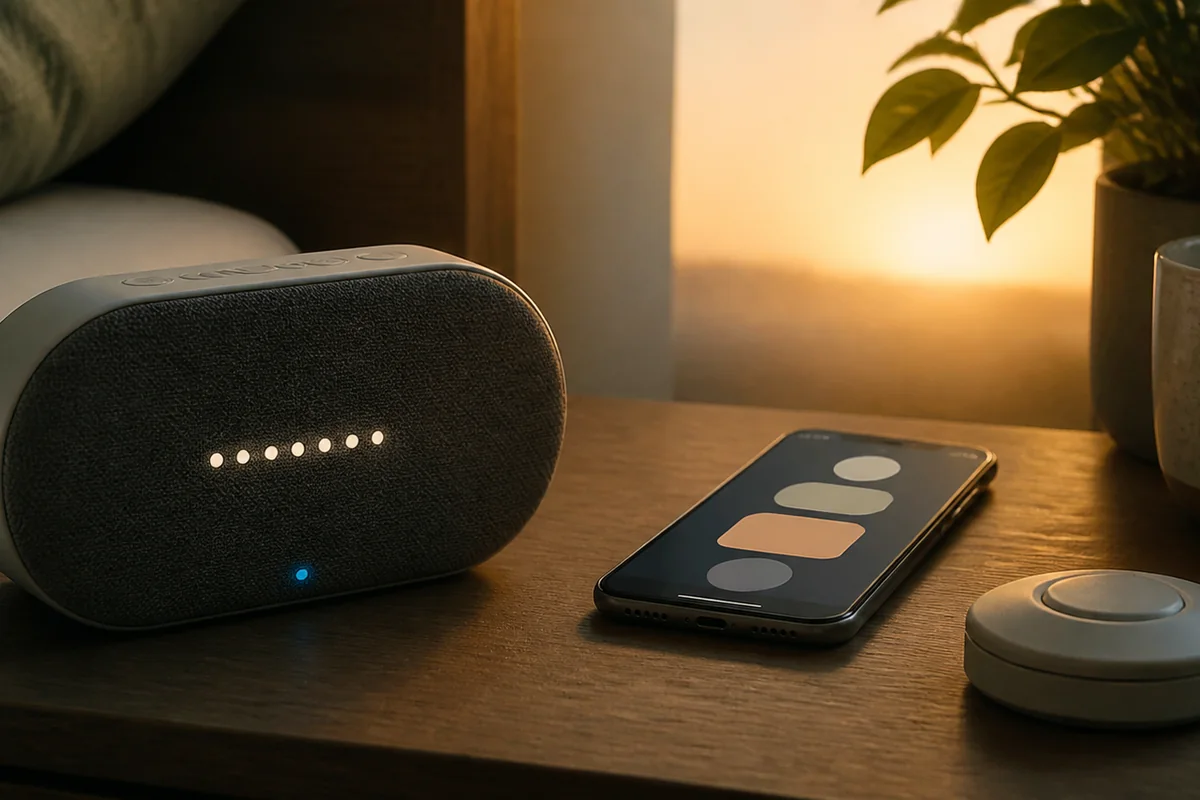
Model-by-model comparison
Compare smart alarm clocks by features and setup
We may earn a commission when you buy through links on this page. As an Amazon Associate I earn from qualifying purchases.
Choose by the task you want to do without your phone
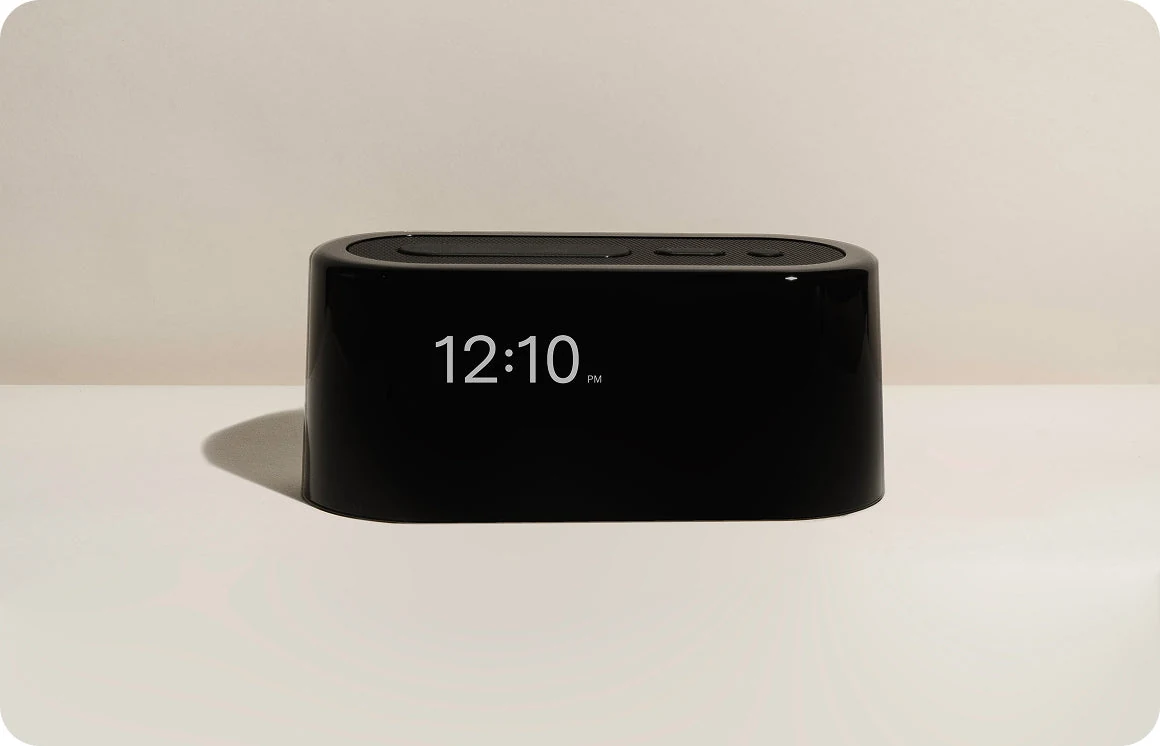
- Loftie Clock: Start here if you want to change tomorrow's alarm on the clock and then use its documented Offline Mode. It still needs a connected first setup. If you do not want to install an app at all, it is not the right fit.
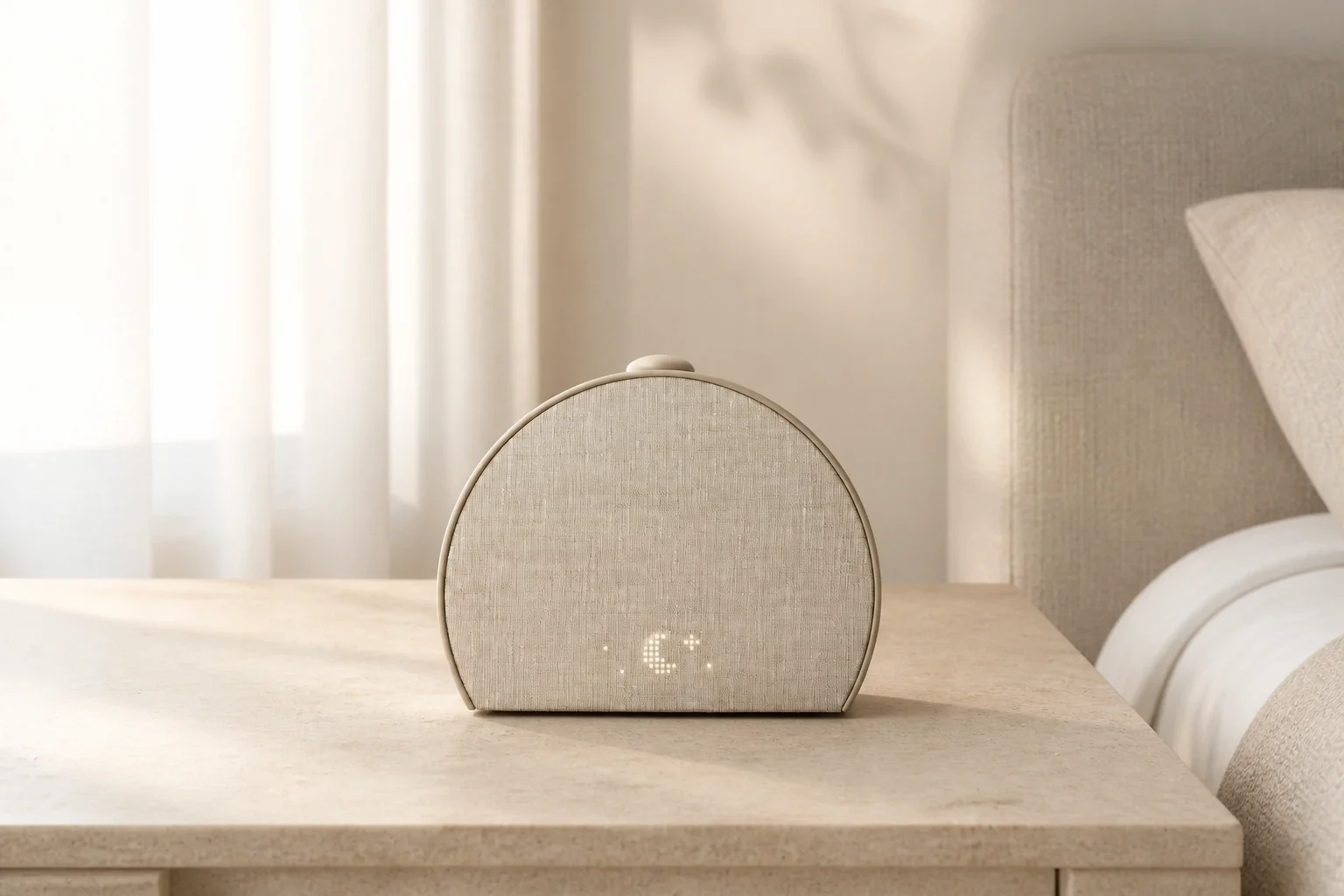
- Hatch Restore 3: Consider it when gradual light and saved routines matter more than changing times on the hardware. A partner can stop or snooze the alarm without opening the app; changing the schedule is a different task.
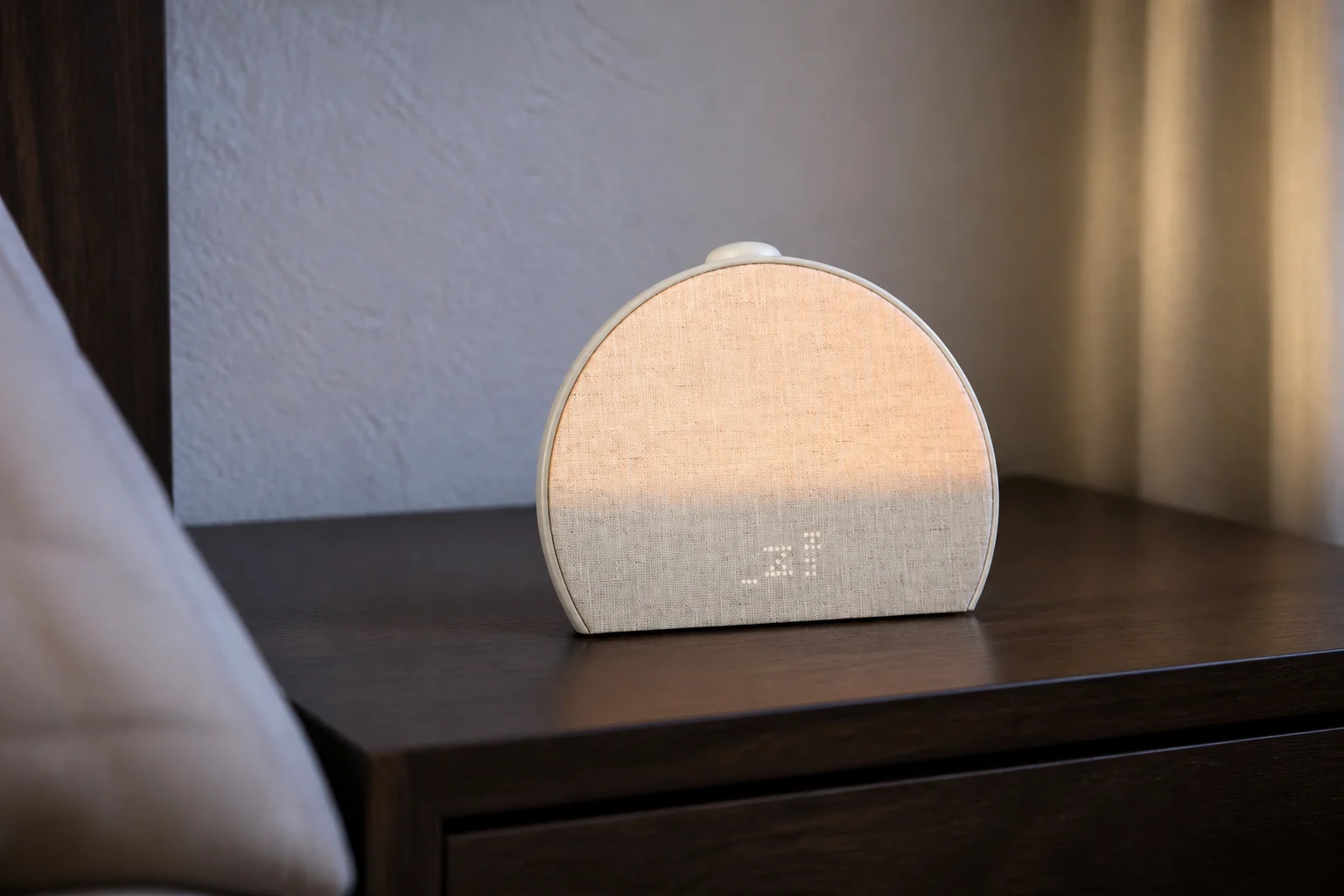
- Hatch Sleep Clock: Compare it separately if you also want contactless sleep tracking. Its app-managed alarms and physical morning controls do not establish an offline guarantee. Tracking adds placement and sensing considerations that Restore 3 does not share.
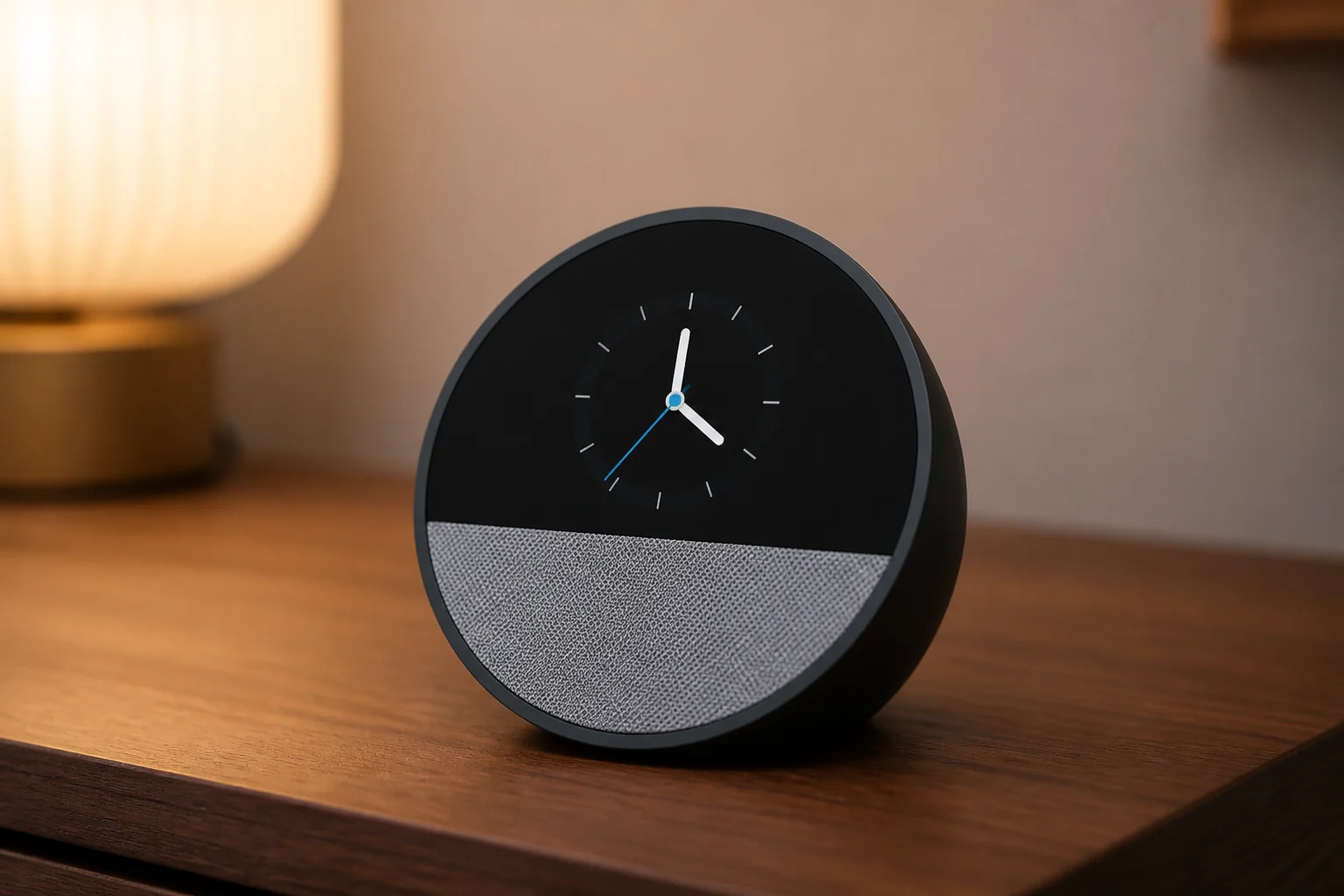
- Echo Spot (2024): It fits an existing Alexa household that wants voice changes and bedside information. Do not buy it on the assumption that voice commands, streamed music and a saved alarm have identical network requirements.
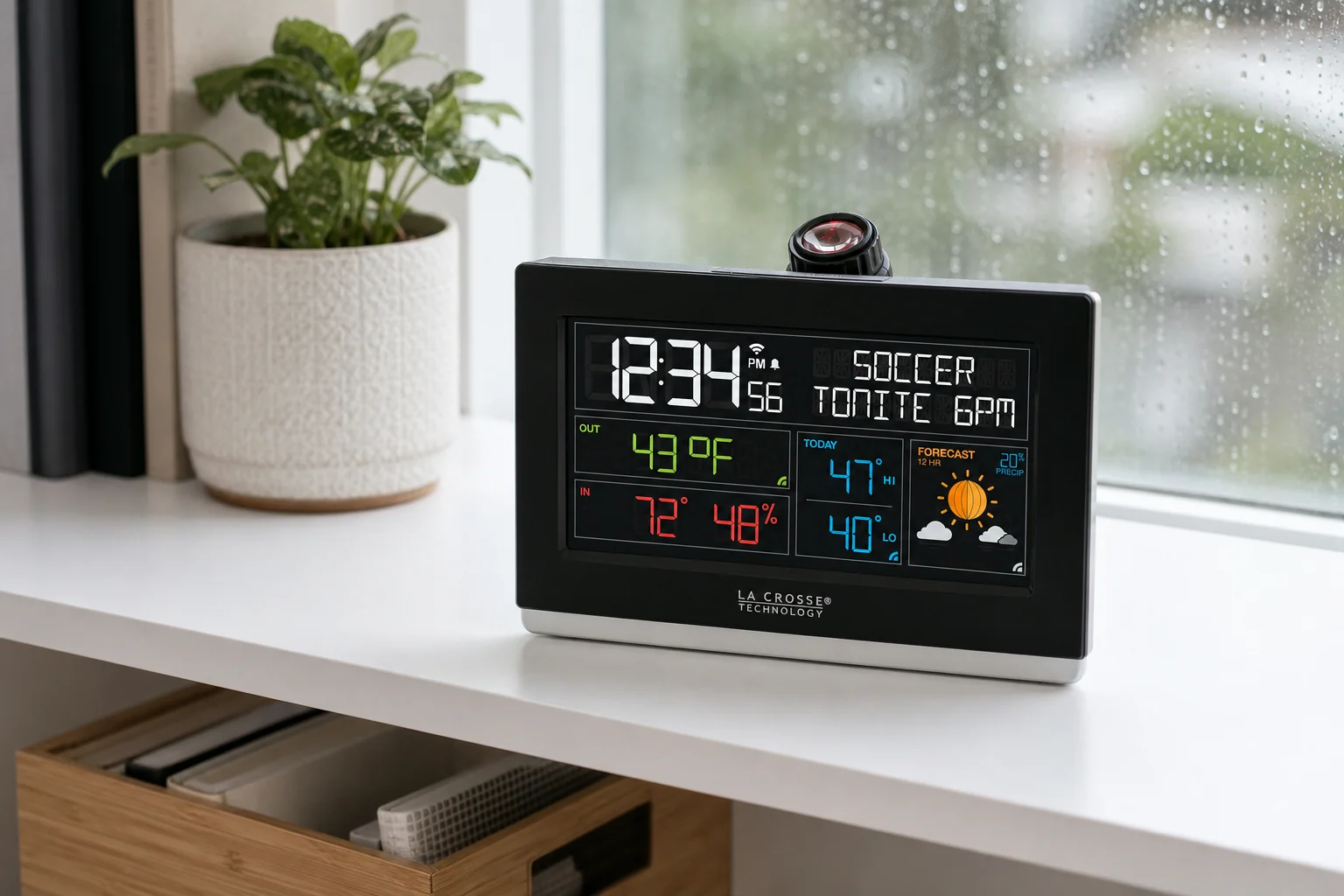
- La Crosse C82929v2: If you own it, the local alarm does not require La Crosse View. Read the power limitation before treating its backup cell as protection against a silent morning. For a new purchase, check exact-model availability first.
| Model | Useful features | App and everyday controls |
|---|---|---|
| Loftie Clock | Two-phase audio alarm. | App and Wi-Fi for first setup; create and edit alarms on the clock afterward. Routines and Red Mode remain app settings. |
| Hatch Restore 3 | Sunrise light and sound routines. | App-based schedule editing; physical stop, snooze, and volume controls. |
| Hatch Sleep Clock | Contactless sleep tracking for one primary sleeper; not a medical device. | App-based schedule editing; physical snooze, stop, and volume controls. |
| Amazon Echo Spot (2024) | Alexa alarms and smart-home routines. | Alexa app and Amazon account for setup; voice control depends on connectivity. |
| La Crosse C82929v2 — owner reference | Connected weather and sensor fields alongside projection. | Local time and alarm setup without an app; connected fields use La Crosse View and 2.4 GHz Wi-Fi. |
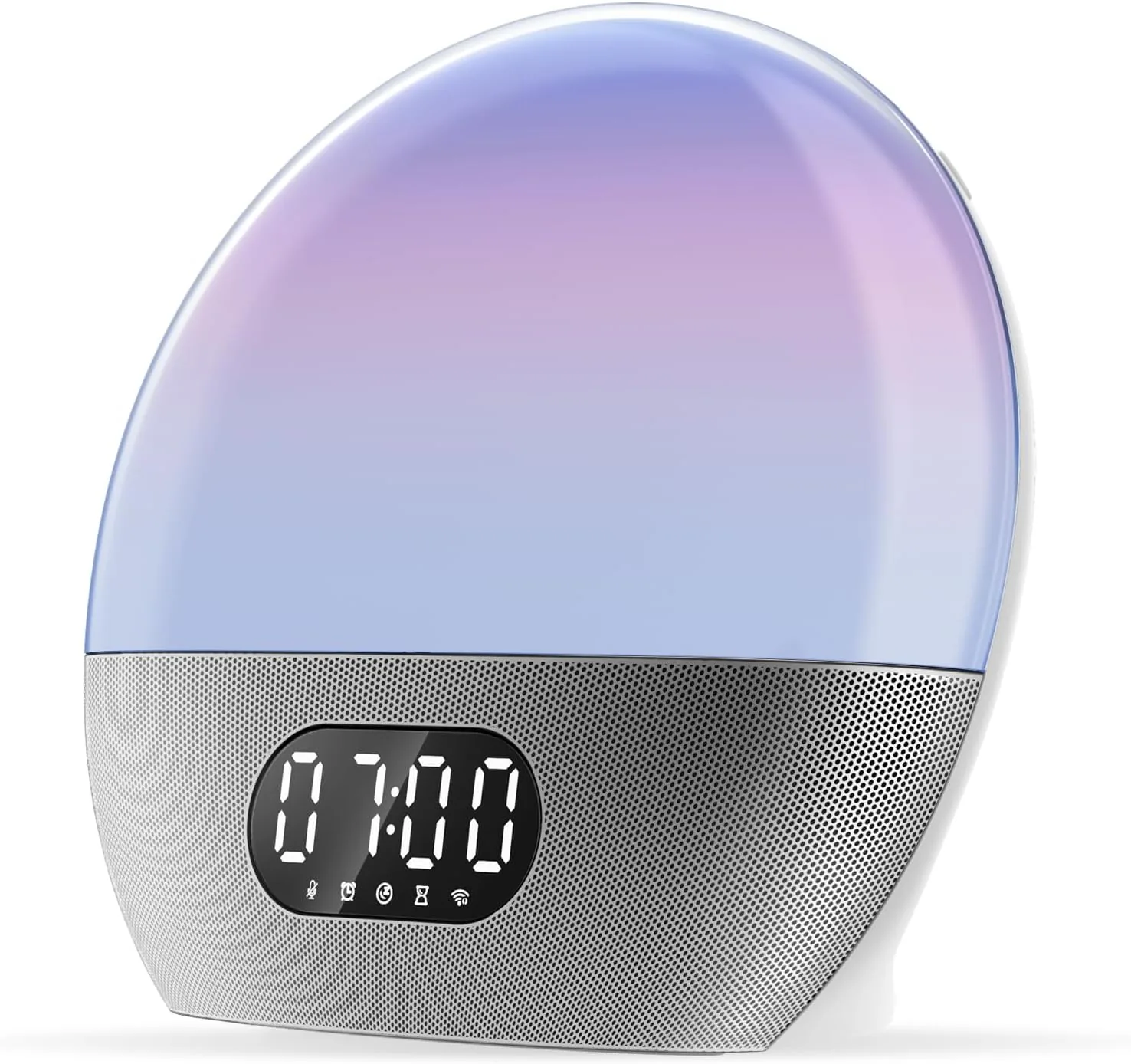
| WiiM Wake-up Light SAC-001 | Light routines and network audio. | WiiM app and Wi-Fi; Alexa is optional after Amazon login. Physical light, volume, and microphone-mute controls. |
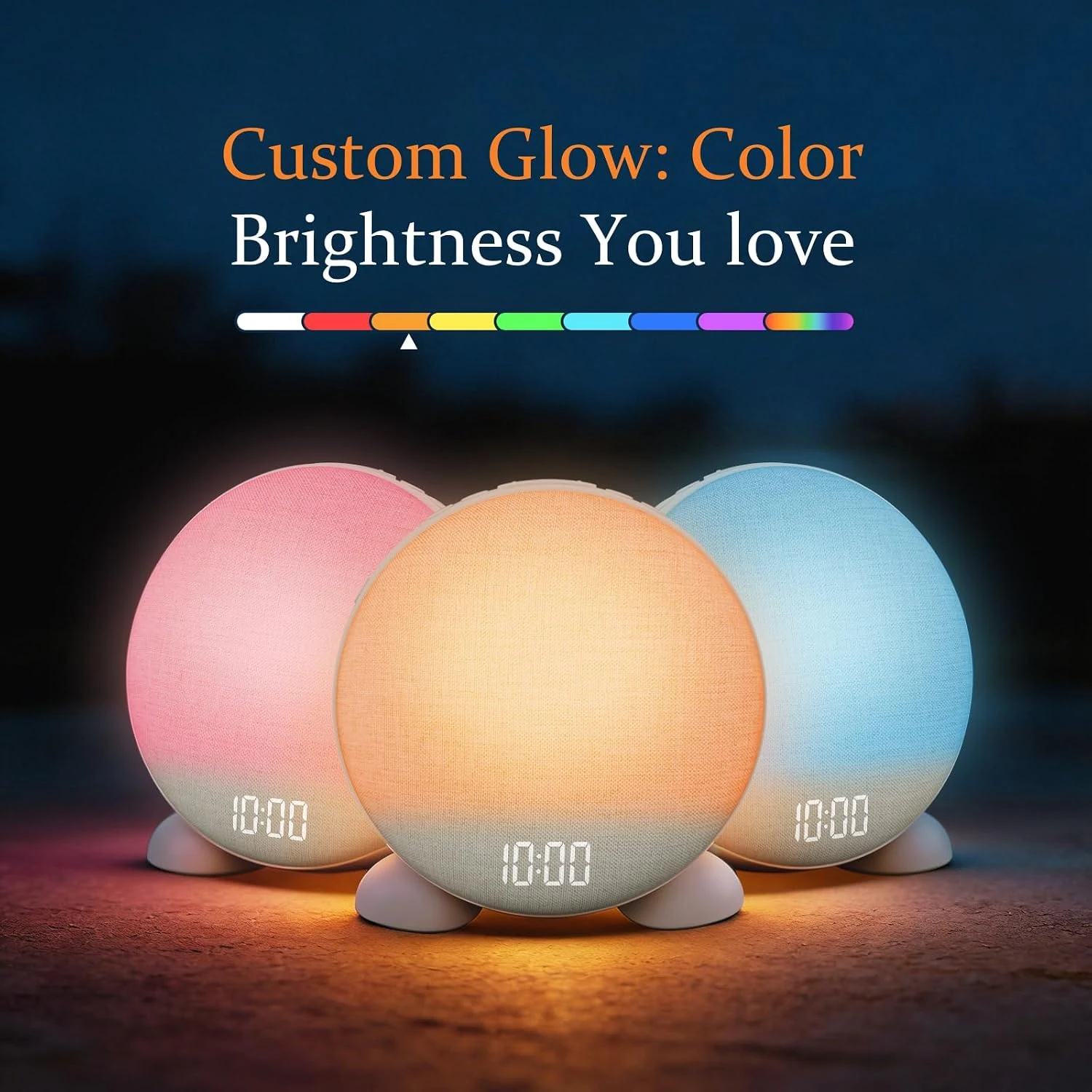
| ANJANK GlowRise — B0FRRXBZ3W | Retailer-advertised repeat schedules for up to fifteen alarms. | App/Wi-Fi control is advertised; verify the app and your desired repeat rule. |
Check the exact model and seller before ordering. La Crosse C82929v2 remains an owner reference; no current exact-model offer was verified.
Loftie documents an Offline Mode and on-clock alarm settings after initial setup. Hatch Restore 3 uses the app for schedule edits, but Hatch says its clock and alarms continue during a Wi-Fi interruption. The same promise was not verified for Hatch Sleep Clock or Echo Spot (2024). That gap is not proof that either alarm fails; it means we cannot recommend either as a documented offline fallback.
Compare setup, bedside controls and powerShow details
| Model | Initial setup | Controls after setup | Without Wi-Fi | During a power cut |
|---|---|---|---|---|
| Loftie Clock | Phone, Loftie app, account and 2.4 GHz Wi-Fi; complete setup and time sync first. | Create and edit alarms on the clock, with physical stop and snooze controls. Red Mode, Bed Signal and routines remain app settings. | Documented Offline Mode for core functions. Cloud-based app edits and downloads need connectivity. | Rechargeable backup, with limited runtime that depends on use. Keep it plugged in normally. |
| Hatch Restore 3 | Hatch Sleep app, account and 2.4 GHz Wi-Fi. The setup FAQ also requires a Hatch+ trial; see the subscription note below. | Set times and repeat days in the app. Physical snooze, stop and volume controls; side switch toggles all scheduled alarms. | Hatch's answer on the exact Target listing says clock and alarms continue if Wi-Fi drops. It does not establish every audio or restart scenario. | Outlet power required. No verified specification for a battery that runs the alarm through a power cut. |
| Hatch Sleep Clock | Hatch Sleep app on a phone or tablet, account and 2.4 GHz Wi-Fi. | App-based schedule edits. Top-button snooze and stop, volume dial, and side switch for all scheduled alarms. | Exact-model saved-alarm fallback not verified in the sources reviewed. Do not inherit Restore 3's behavior. | Designed for continuous outlet power. An alarm-running backup was not established. |
| Amazon Echo Spot (2024) | Alexa app, mobile device, Amazon account and Wi-Fi internet; included power adapter. | Voice alarm changes with Alexa available; app management and tap-to-snooze. Voice control is not an offline control path. | Saved-alarm fallback for this generation was not established. Cloud requests and streaming are separate from any retained alarm. | Uses its power adapter. No verified battery-backed alarm specification. |
| La Crosse C82929v2 — owner reference | Local time and alarm can be set without an app, account or Wi-Fi. La Crosse View features add mobile/account setup and 2.4 GHz Wi-Fi. | Local SET and ALARM controls, snooze/light and alarm on/off. A single time alarm, not app-style weekday scheduling. | Standalone time/alarm operation is documented. Network weather and remote features are a separate connected layer. | The CR2032 retains time/date; it is not an audible-alarm backup. Normal operation needs the adapter. |
| WiiM Wake-up Light SAC-001 | WiiM app and Wi-Fi; Alexa is optional after Amazon login. | Physical light, volume and microphone-mute controls; detailed routines use the app. | Do not treat streamed audio or every saved alarm as a documented offline fallback. | 12 V supply; the CR2032 is identified as an RTC battery, not proof of an alarm-running reserve. |
| ANJANK GlowRise B0FRRXBZ3W | Retailer advertises app/Wi-Fi control; verify phone compatibility and account setup. | Up to fifteen alarms with weekday, weekend or selected-day rules are advertised. | Offline saved-alarm behavior was not established in the selected retailer record. | Alarm-running reserve was not established; check the supplied power instructions before relying on an outage alarm. |
These models handle setup and daily use differently; this is not a reliability ranking. Loftie's deliberate Offline Mode does not prove automatic recovery from every router failure. The Restore 3 Wi-Fi statement comes from an . It does not guarantee the same behavior for premium audio, a reboot or a power interruption.
For Loftie's battery, the public sources do not give one consistent duration: depending on use, while the .
Those are manufacturer estimates, not our measurements. A limited reserve may help with a short interruption, but it is not a guaranteed full night. If a missed alarm would have serious consequences, use a separately powered backup you have checked in advance.
The La Crosse manufacturer page showed Sold Out when checked on September 6, 2026. We retain C82929v2 for owners and for explaining the local-first design; we did not verify a current exact-model offer. Sold Out does not establish that production has ended, and a similar-looking C82929 listing is not automatically the same v2 model.
If you want no app or account even on the first day, compare the self-contained options in our no-subscription sunrise guide; check each model's setup requirement, because subscription-free alone does not mean app-free. For a light-versus-sound decision between Restore 3 and Loftie, read Hatch Restore 3 vs Loftie Clock.
WiiM covers app-built light and network audio; GlowRise covers multiple repeat schedules. Their source checks were recorded on October 7, 2026. La Crosse C82929v2 remains an owner reference unless a current, exact-model offer is verified.
Compare two exact models
Considering Google Home? Read the Google Nest Hub (2nd gen) review for its setup, alarm controls and power limits. Google describes a Sunrise Alarm that gradually brightens the display; this is a screen-based cue, not a dedicated wake-up lamp.
Role-based product shortlist
Models worth comparing for this decision
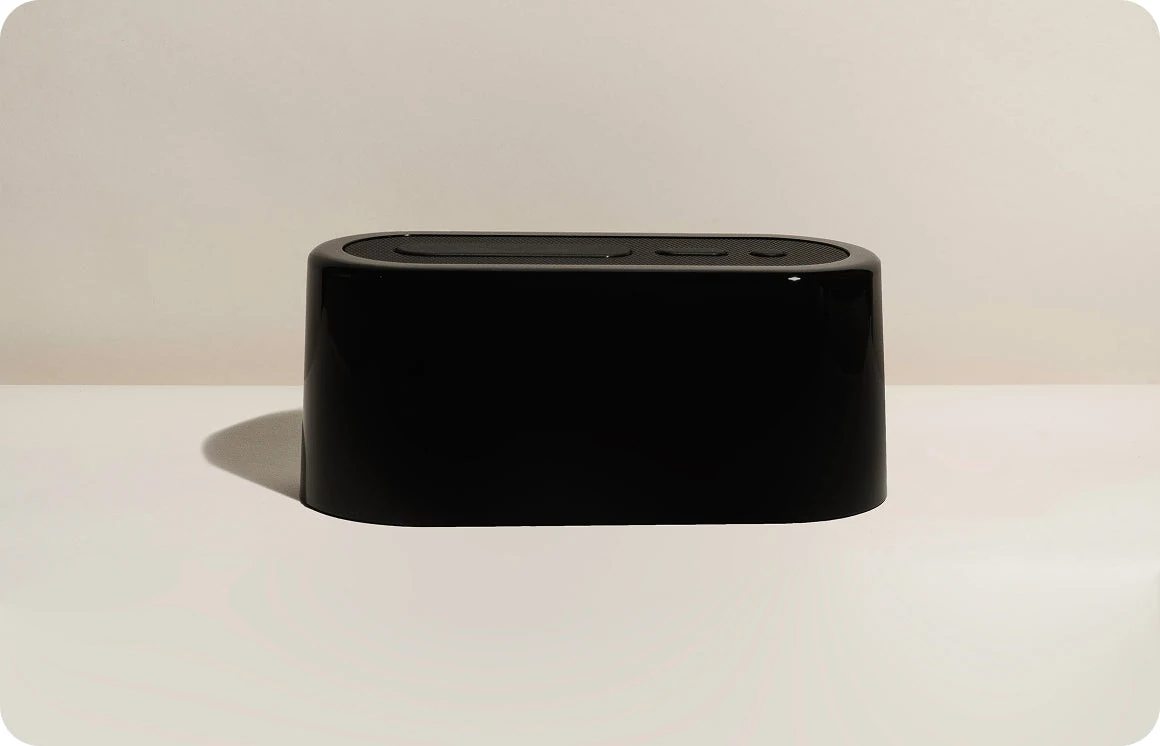
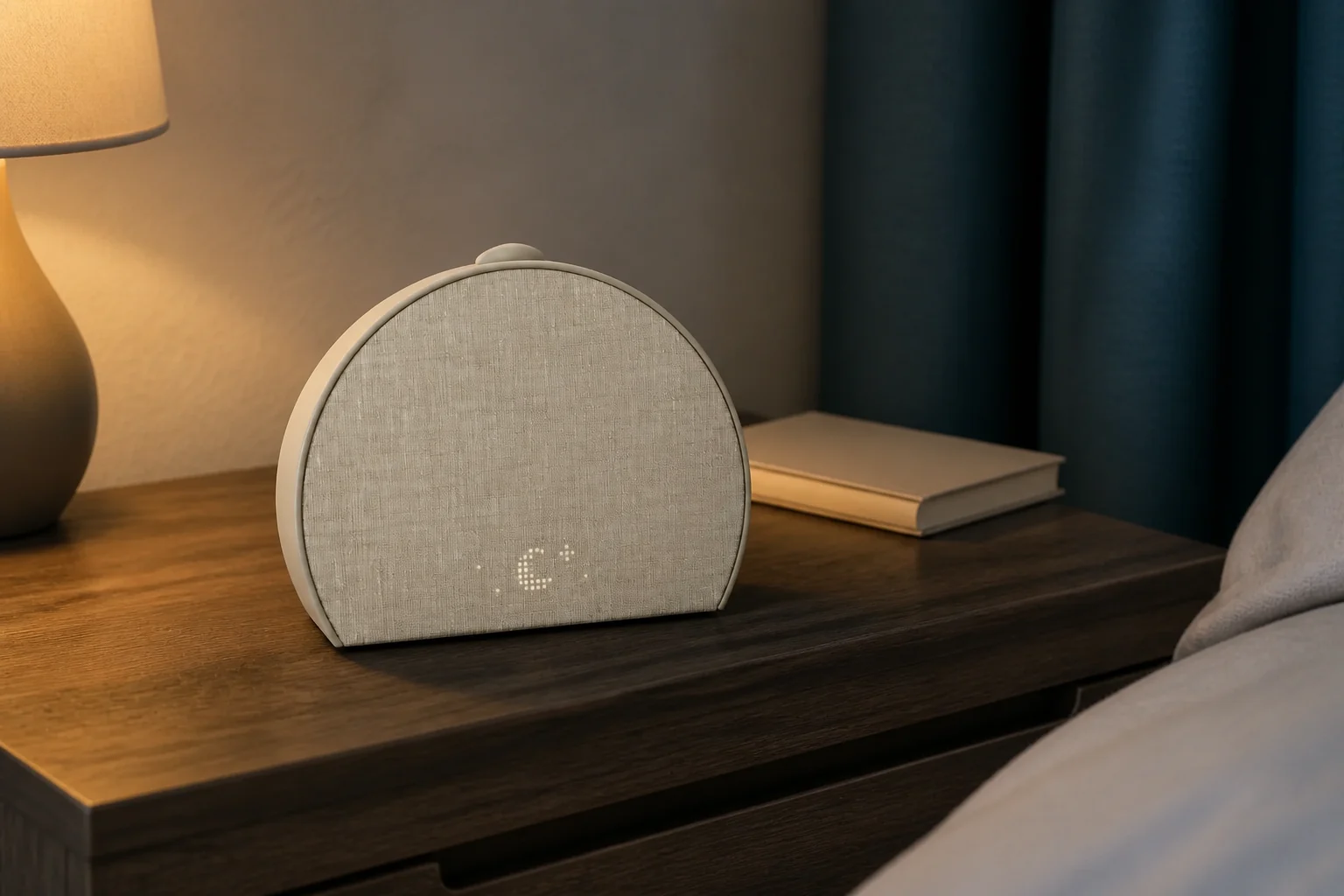
These are desk-researched candidates, not a claim that one clock wins for everyone. Each card explains the scenario it fits, the limitation to verify, and the primary source used for the factual details.
Nonnegotiable checks
The criteria that can change the answer
- 01
First setup
Check the required phone platform, account, and wireless network.
- 02
Offline behavior
Find out which saved alarms survive an internet outage.
- 03
Physical controls
Routine changes may use an app; morning controls should remain direct.
- 04
Ongoing cost
Separate included sounds and routines from paid content.
Separate two moments
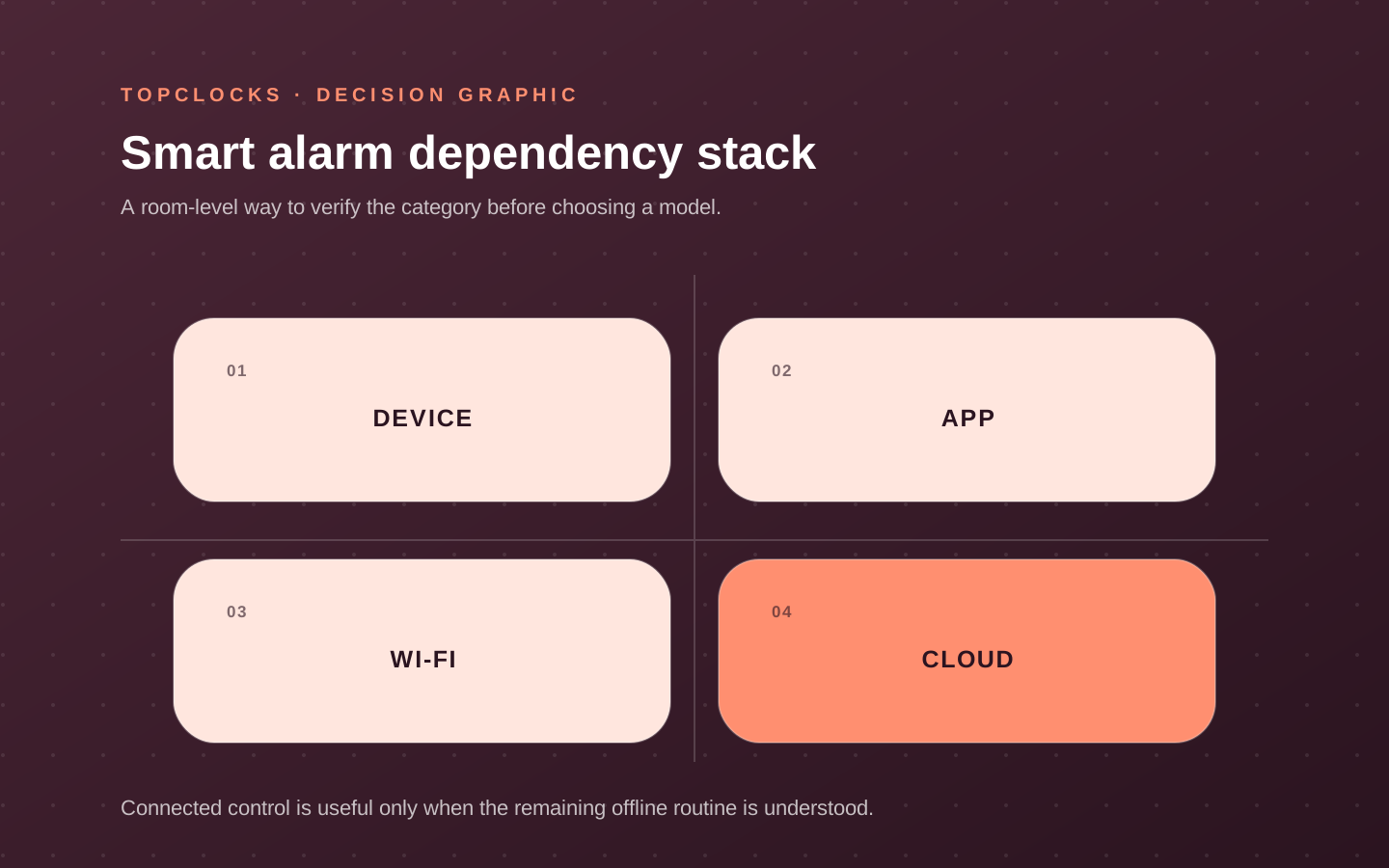
What configures the routine may differ from what runs it
Decide whether the app is optional ownership
A saved routine and an editable alarm are different requirements. List the tasks you must complete without a phone: changing tomorrow's time, checking its enabled state, snoozing and stopping. Keep a smart model only where its documented control path covers that list. If avoiding setup accounts or Wi-Fi is essential, open the local-control sunrise guide. If separating bedtime from the phone is the broader goal, use the phone versus alarm clock comparison. Neither a physical button nor a cancelled content plan establishes complete app independence.
Identify the supported app and operating systems, account requirements, Wi-Fi band or Bluetooth use, household access, and whether the device can be configured with physical controls. Then document execution: where the schedule is stored, which light and sounds remain available locally, what the clock does without the phone, and what happens during network loss. A saved local buzzer is a different reliability path from a streaming track that must be fetched.
Physical controls still matter. A routine may be built in the app and stopped, snoozed, or started from the device. Confirm what can be done without reaching for a screen in darkness. Check how the active routine is shown and whether a guest or partner can operate it without the owner’s phone. Connected flexibility is valuable when it reduces real scheduling friction; it is not valuable when it hides the alarm state. Compare the on-device controls in Hatch Restore 3 vs Loftie Clock before deciding how much app use is acceptable.
- List every dependency needed for initial setup and for later schedule changes.
- List the signals and routines stored on the clock after setup.
- Where the instructions permit it, check one saved-alarm dependency at a time; restore and verify the intended setup.
- Practice snooze, stop, volume, and time display from the bedside controls.
Know what remains included
Device purchase, included features, and subscription content are separate decisions
Some smart clocks combine hardware functions with a content service. The device may include basic alarms, light colors, or sounds while a subscription expands routines, guided content, or libraries. Other connected models may rely on supported music services without a dedicated subscription from the clock maker. Because plans and catalogs can change, a stable buying guide should not promise a permanent list unless it is actively maintained.
Ask what the device can do after purchase with no optional paid plan: create and run an alarm, use physical controls, select a usable sound, set brightness, and retain saved routines. Then evaluate the paid layer independently.
Does it solve a recurring need, or does it make the product attractive through content that may not be part of the hardware price? Check cancellation and what remains afterward. Do not treat “free trial” as the long-term feature set.
says you must start a free Hatch+ trial during setup. Its says basic alarms, included sounds and sunrise options remain available without paid membership. Cancel before renewal if you do not want ongoing charges. We did not verify a trial-free setup path. says the Clock’s functions are included without membership. addresses existing Loftie+ accounts separately; do not add a mandatory subscription to the Clock’s cost.
Service support creates a lifecycle question. Apps change, operating systems update, music integrations appear or disappear, and account policies evolve. A smart clock can remain a good choice when the essential local alarm is clear and the user values connected control. It becomes a risky fit when a nonnegotiable wake signal depends on an uncertain service path and no acceptable fallback is documented.
- Separate hardware features, included account features, optional paid content, and third-party services.
- Verify what remains usable if the trial ends or the account is signed out.
- Keep the essential wake cue on a documented local or fallback path where possible.
- Review time-sensitive service claims and compatibility after major product or app updates.
Count ongoing work
Connected convenience adds account, update, and household maintenance
A bedside smart clock can reduce phone use at wake time while still requiring the phone for configuration.
Decide who owns the account, who can change schedules, what happens when the phone is replaced, and whether another household member can operate the device. A partner should not need the owner’s login to stop an alarm or check its active state. A caregiver-controlled routine may be useful for a child and should retain a simple child-facing cue.
Review the product’s current privacy and support information when data collection or microphones affect the decision. Avoid inventing assurances from the absence of a feature in marketing copy. The relevant questions depend on the model: account data, network connection, microphones or sensors, app permissions, and deletion or reset. These belong to model review and official policies rather than a generic promise that all smart clocks behave alike.
Maintenance includes firmware, app compatibility, router changes, passwords, time-zone or DST behavior, and content availability. Schedule a quick retest after major updates or network changes. Remove obsolete alarms so the active routine remains understandable. Keep a manual alarm or independent device available during migrations when a missed wake event would have serious consequences.
- Record account ownership and household access before relying on app-only configuration.
- Check the official privacy and support documents for the exact model and current app.
- Retest saved alarms after firmware, operating-system, router, or account changes.
- Use factory reset and resale procedures from the manufacturer when ownership changes.
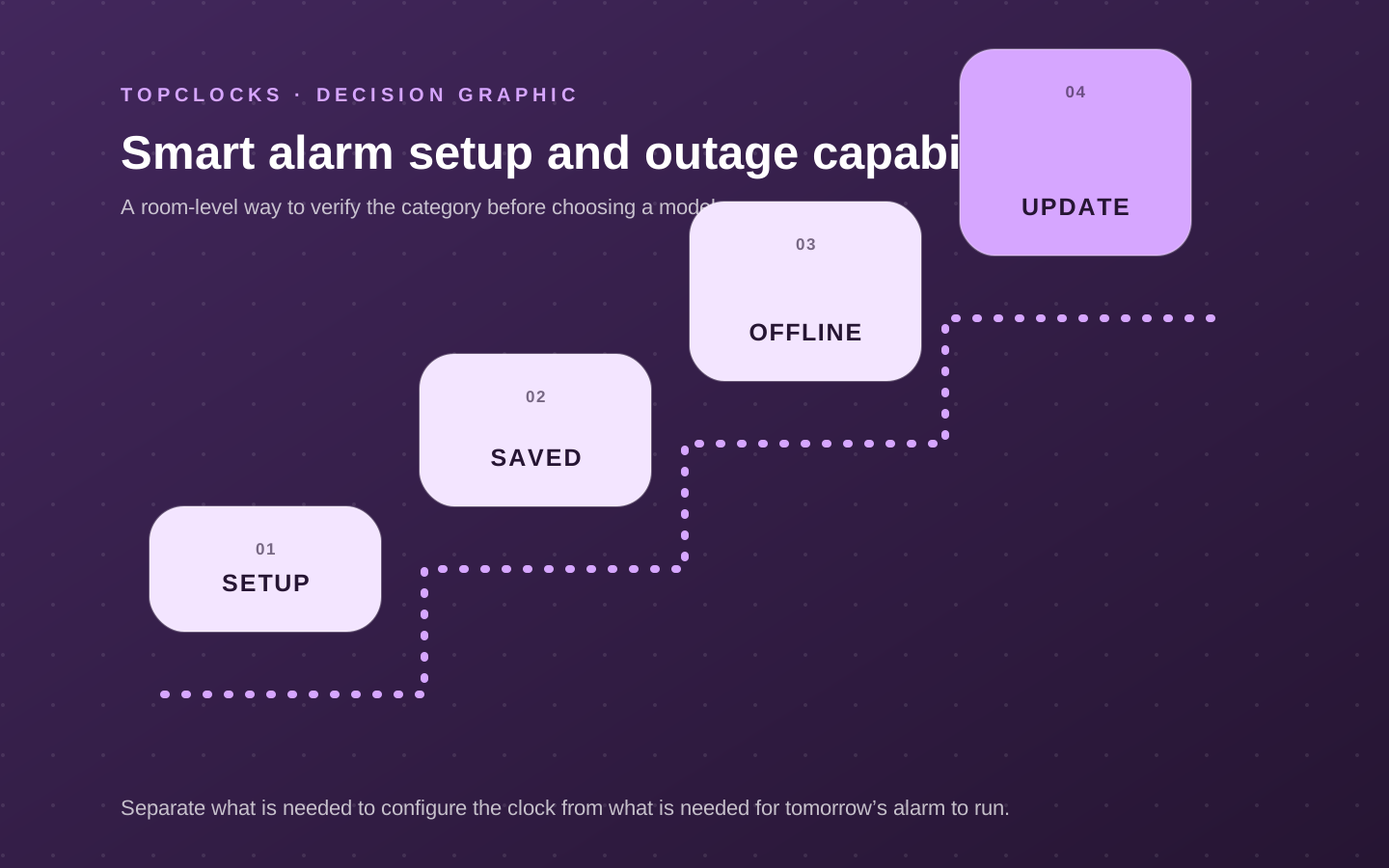
Check one required dependency at a time
One next alarm: sound, recurrence and the final control
Use this record after changing a schedule, sound, phone, router or bedside control. Start with the next alarm you actually need, rather than testing every feature. Write whether the sound is the alarm itself, starts at a fixed time, or begins after you dismiss the alarm. Playing a track now does not establish when it will start tomorrow.
Keep the ordinary repeat pattern separate from a one-time change. Before editing, note what should happen on the following scheduled day. After a practice stop or snooze, inspect the next alarm again; a quiet device does not tell you which schedule remains enabled.
Loftie Clock: one-time alarms and the two alarm stages
Loftie supports one-time or selected-day alarms; check both Wake-Up and Get-Up tones. A checked box marks a set alarm; the next alarm time appears on the clock face. During the alarm, the small round button stops it and the large oval button snoozes. “Mute today's alarms” affects all alarms that day. Check the next displayed time instead of treating every quiet state as the same result. Read the Loftie Clock review.
Hatch Restore 3: one-time alarms and the all-alarm switch
Hatch documents a one-time alarm by deselecting every repeat day; it rings once and then deletes itself. During an alarm, press the Big Button to snooze or hold it to stop. The side switch’s off position disables all alarms; the app can disable one entry. Check the selected sound and light separately, and verify the next enabled alarm after a temporary change. Read the Restore 3 review.
Echo Spot (2024): music alarms and tap-to-snooze
Amazon describes weekday music alarms and tapping this model to snooze. Specify the intended time and repeat days, then check the matching alarm in the Alexa app. Record a tap as snoozing, not as ending the current alarm. Check the selected music service separately from ordinary speaker playback; do not assume a track that plays now is configured as the next alarm. Read the Echo Spot (2024) review.
Nest Hub (2nd gen): alarm sound before a morning routine
Google separates the alarm tone, Sunrise Alarm pre-alarm sounds and a morning routine that begins after dismissal. Music in that routine is not the sound that starts the alarm. Scheduled media uses a separate automation. Confirm which event you want and which display will sound; Google's alarm instructions say the alarm plays on the device where you set it. Read the Nest Hub (2nd gen) review.
Use paper if you need to keep this record. Your browser may restore entries; clear them before leaving a shared device.
Prefer a copy to fill or print? Download the next-alarm record (PDF).
Leave observations blank until checked. Keep documented behavior separate from what you observed in this exact setup. If you choose a permitted daytime check, confirm the light-ramp duration first, change only one dependency and restore the intended setup afterward.
Do not delete an account, cancel a paid plan, factory-reset a device or interrupt other household equipment for this check. An unverified required fallback stays open. Check settings retention and alarm-running backup separately. This record does not guarantee a wake-up.
Close the hidden gaps
Questions that settle a choice about smart alarm clocks
Does a smart alarm label guarantee an alarm without Wi-Fi?
No. Compare initial setup, schedule editing, saved-alarm execution and streamed audio separately. Keep an unverified fallback unknown rather than transferring another model’s behavior. Compare the documented Wi-Fi limits.
Does WiiM Wake-up Light require Alexa?
WiiM says the Wake-up Light can be controlled through its app without activating Alexa. Optional Alexa does not make the underlying app and Wi-Fi workflow unnecessary. Read the WiiM controls and setup review.
Does the WiiM coin cell prove that its light and speaker work during a power cut?
No. The specification identifies the CR2032 as an RTC battery and lists a separate power supply. That does not establish an alarm-running reserve for the lamp and speaker. Separate settings memory from alarm backup.
What does GlowRise’s fifteen-alarm claim establish?
The B0FRRXBZ3W retailer record advertises up to fifteen alarms with selected repeat days. It does not establish every exception rule, simultaneous-output behavior or offline guarantee; check the desired schedule in the matching app. Read the exact GlowRise review.
Does GlowRise’s sound library prove that it can play a Spotify alarm?
No named streaming-alarm integration was established in the selected record. Stored sleep sounds, alarm tones and ordinary music playback are different features. Check the GlowRise source and limits.
Should a subscription be cancelled or an account deleted to test the clock?
No. First read the exact model’s operating and cancellation instructions. Do not perform account-destructive or paid-service actions merely to complete a generic alarm check; unresolved dependencies can remain a reason to choose another model. Use the permitted dependency checklist.
Evidence trail